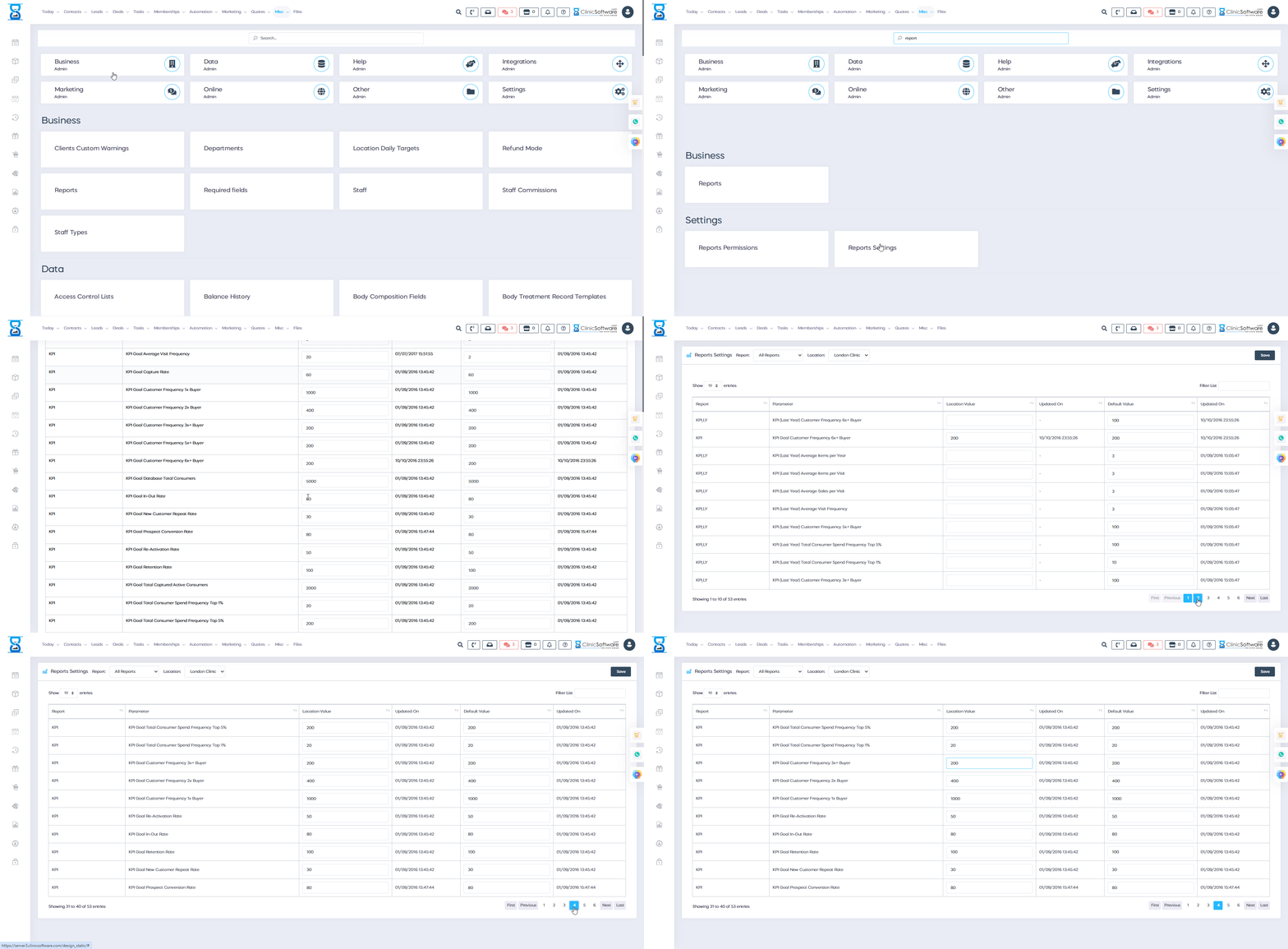







Behind the Scene
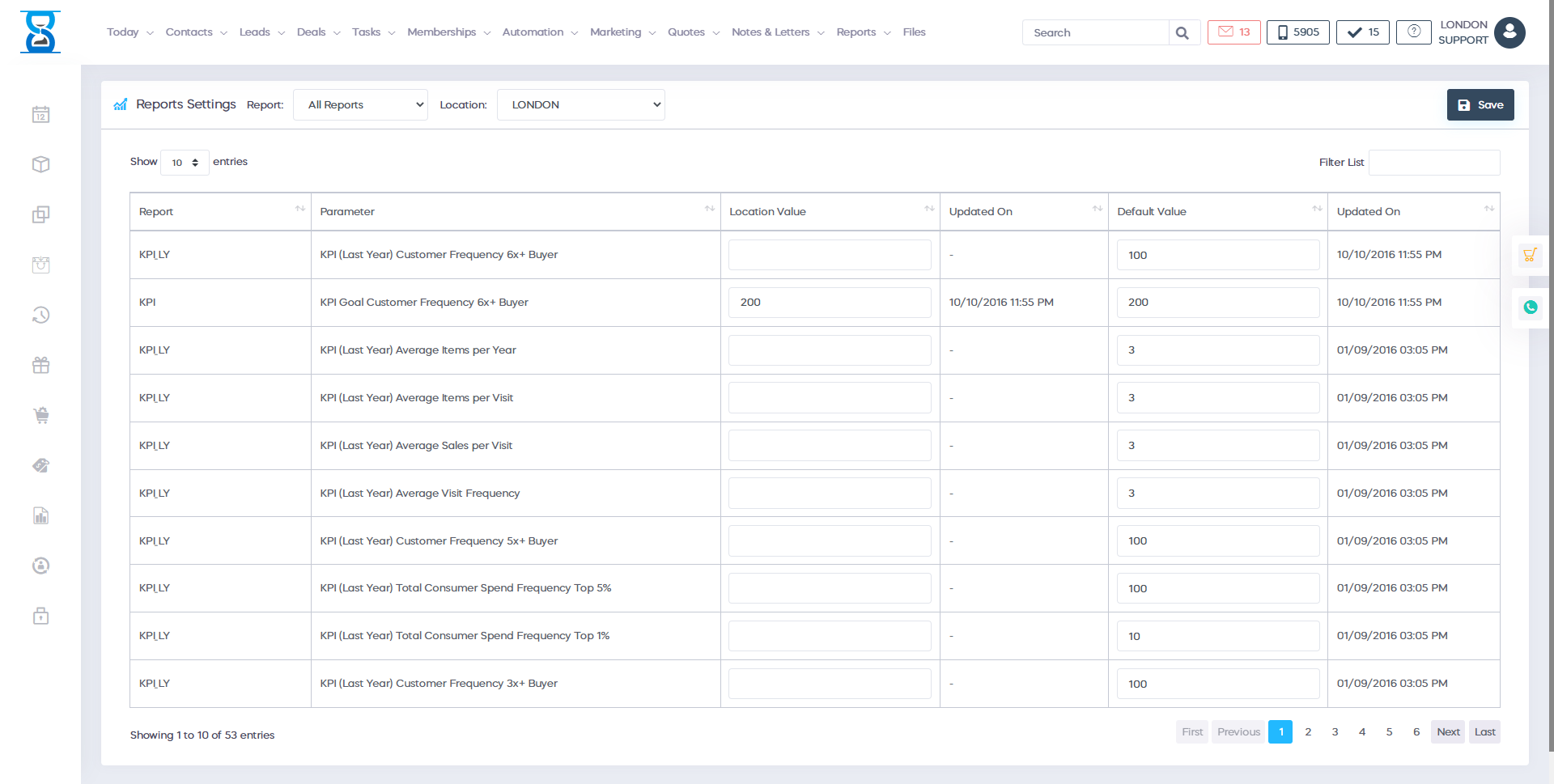
With the 'Reports Settings' feature, you can tailor your reports to meet specific needs. Choose what data to include, the layout, and even the frequency of generation. This allows you to focus on the information most relevant to your business decisions.
View More
Instead of manually compiling reports, you can set up automatic generation and delivery of reports. This means less time spent on mundane tasks and more time to focus on your clients and improving your services.
View More
The 'Reports Settings' feature provides a clear and detailed overview of your business performance. This data-driven insight allows you to identify trends, monitor key performance indicators (KPIs), and make informed decisions to enhance your business operations.
View More


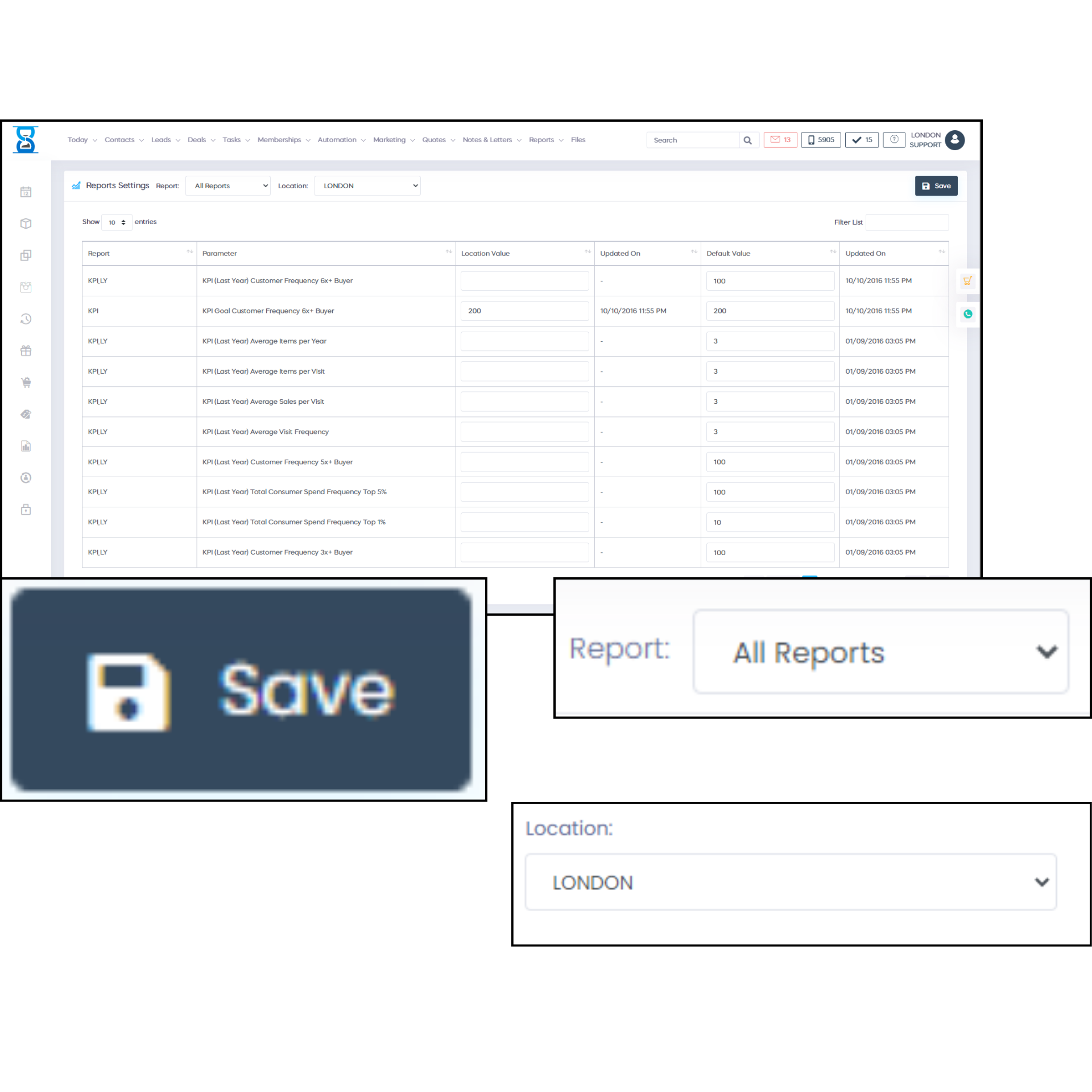
The Reports Settings feature in our CRM software allows you to customize, organize and manage your data reports. By utilizing this feature, you will gain better insights and make more informed decisions that will drive your business forward.
With the Reports Settings, you have the ability to customize report formats and layouts to meet your specific needs. You can choose what data to include, how it's displayed, and who can access it. This level of customization ensures your reports are relevant and meaningful.
Harness the power of data with advanced analytics capabilities integrated into the Reports Settings. Dive deep into your data, uncover trends, and make data-driven decisions.


The Reports Settings feature is not just about organizing your data, but also about unleashing its potential. This feature allows you to analyze, visualize, and share your data in a way that informs strategic decisions and propels business growth.
Save time and resources with the ability to schedule reports, manage auto-updates, and set up notifications. These features ensure you are kept up-to-date with your business data and can react in a timely manner to any changes.
Share your insights with key stakeholders easily and efficiently. With our Reports Settings, you can export reports in various formats, share via email or directly through the CRM, ensuring everyone is on the same page.


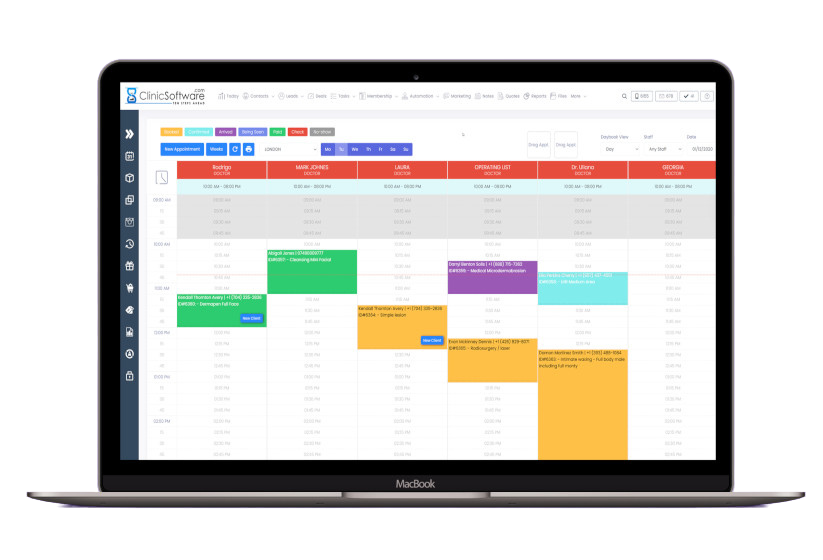
Download ClinicSoftware.com and begin simplifying your clinic management.
Download Now


ClinicSoftware.com is helping thousands of people. If you have any questions about our products or services, please call one of our numbers below or email ClinicSoftware.com using the contact form below.